


رسائل واتساب تتحول إلى عملية تشغيل قابلة للقياس.
هذه الصفحة تأخذ شكل كونسول تشغيل: رقم واتساب، API، قوائم انتظار، معالجات، واستعادة. نفس المعلومات موجودة في النسخة الإنكليزية بنفس الشكل.
ابدأ التكامل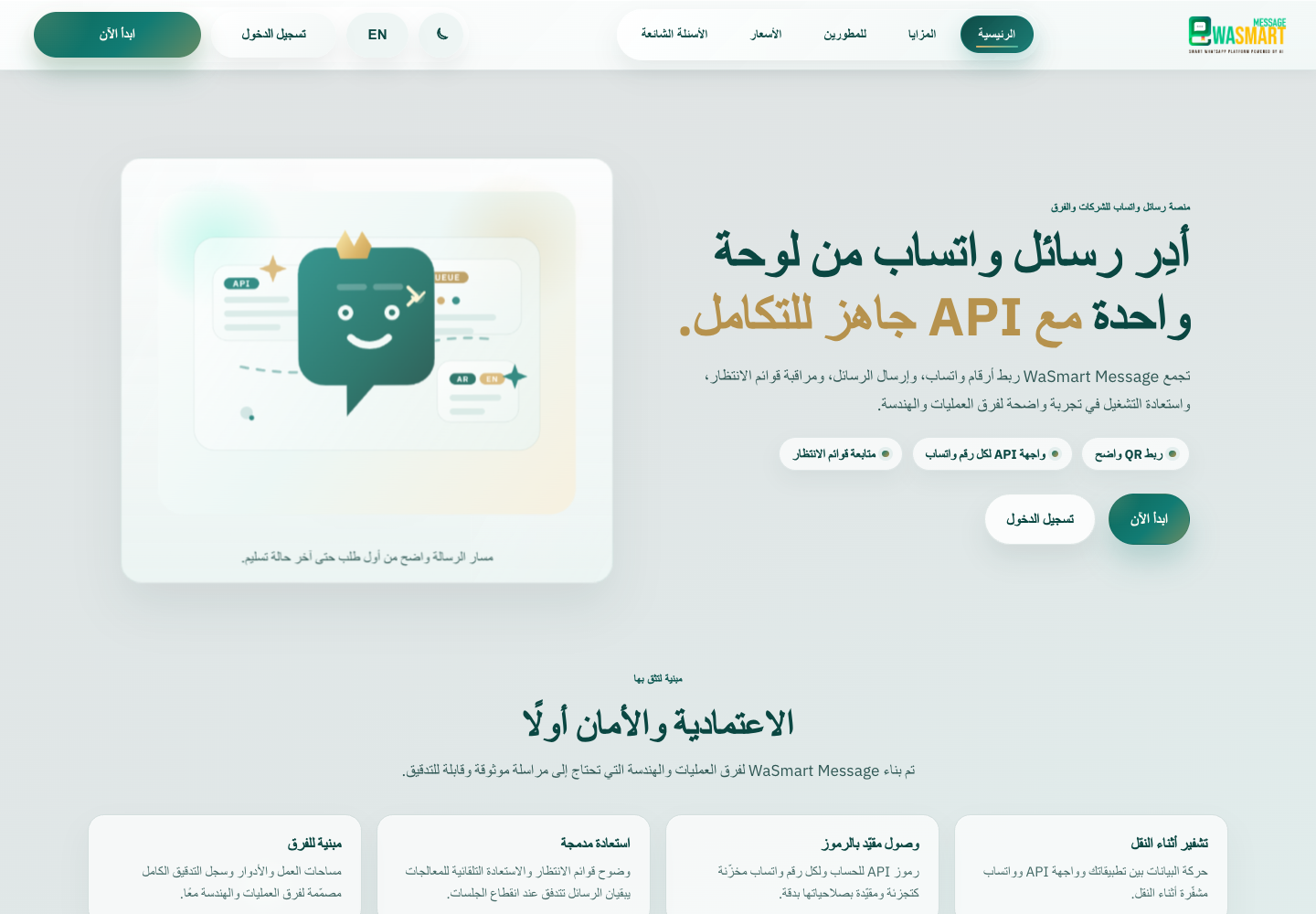
مساحة العمل
تجميع الحساب والأرقام ونشاط الرسائل في مكان واحد.
ربط الرقم
ربط واتساب عبر QR ومتابعة حالة الجلسة.
رموز API
توليد بيانات وصول للحساب أو الرقم حسب الصلاحية.
قائمة الانتظار
مراقبة تراكم الرسائل قبل أن يشعر العميل بالتأخير.
الاستعادة
معالجات تساعد على استمرار التدفق عند انقطاع الجلسة.
ما القيمة التي يراها العميل؟
بدل إرسال رسائل من أجهزة أو سكربتات منفصلة، يحصل الفريق على نقطة تشغيل واحدة.
النظام الداخلي يرسل الطلب عبر API، واللوحة تعرض القوائم والمعالجة والحالة.
فريق العمليات يعرف أي رقم جاهز، وأين يوجد تراكم، ومتى يجب استعادة الجلسة.
النتيجة: رسائل أوضح، متابعة أسرع، وحوكمة أفضل للتواصل مع العملاء.
مناسب للمتاجر
إشعارات الطلبات، حالة الشحن، وتحديثات الدفع من مصدر واحد.
مناسب للدعم والمبيعات
متابعات العملاء والتذكيرات والتنبيهات بدون الاعتماد على حسابات متفرقة.
مناسب للفرق التقنية
API واضح، رموز مقيدة، ومراقبة تشغيلية تساعد على كشف المشاكل مبكرًا.
صور مختارة من العرض
الصور تعرض مسار التشغيل والاعتمادية والباقات، بطريقة تخدم عرض الخدمة للعميل بدون إغراقه بكل تفاصيل الملف.
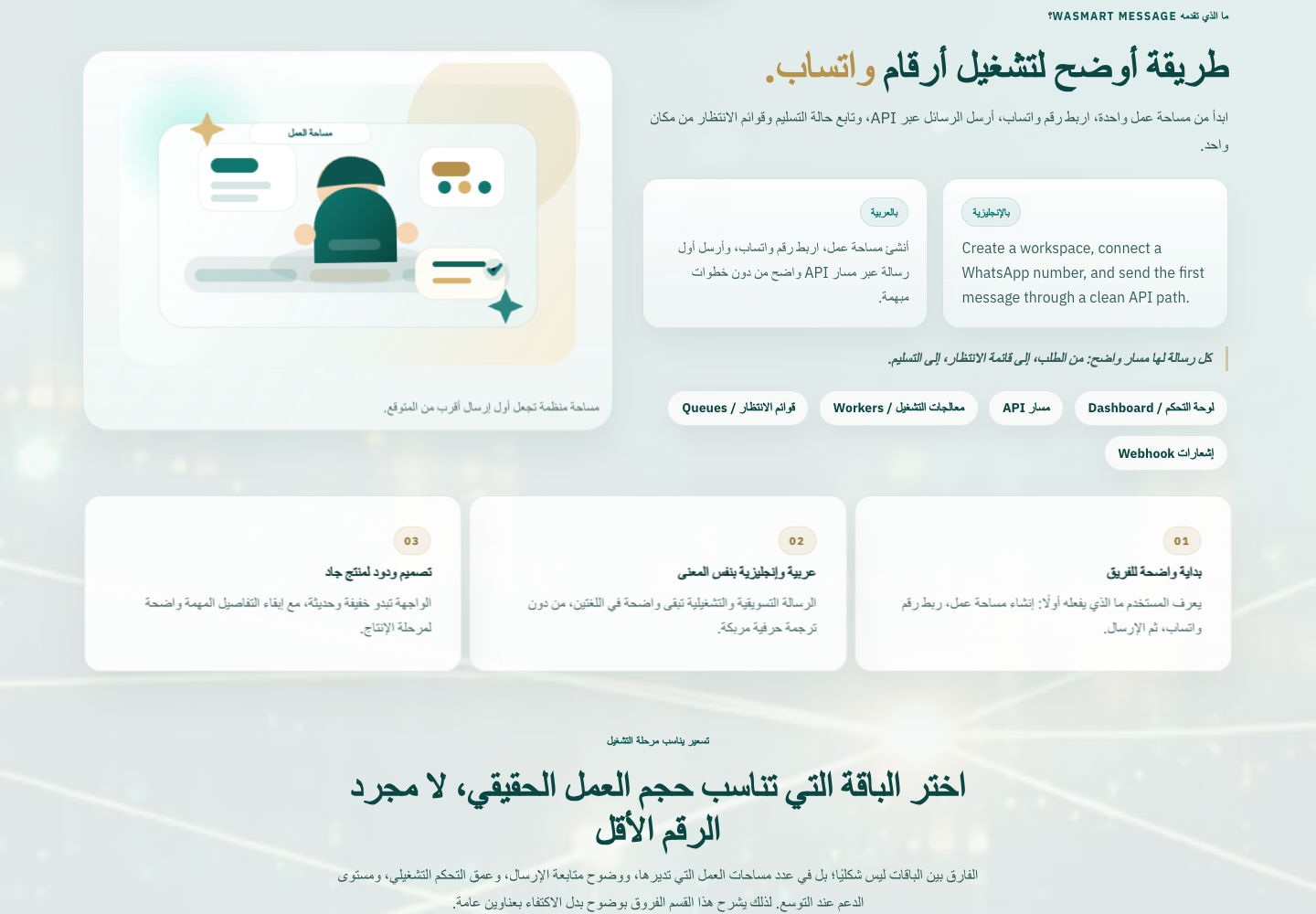
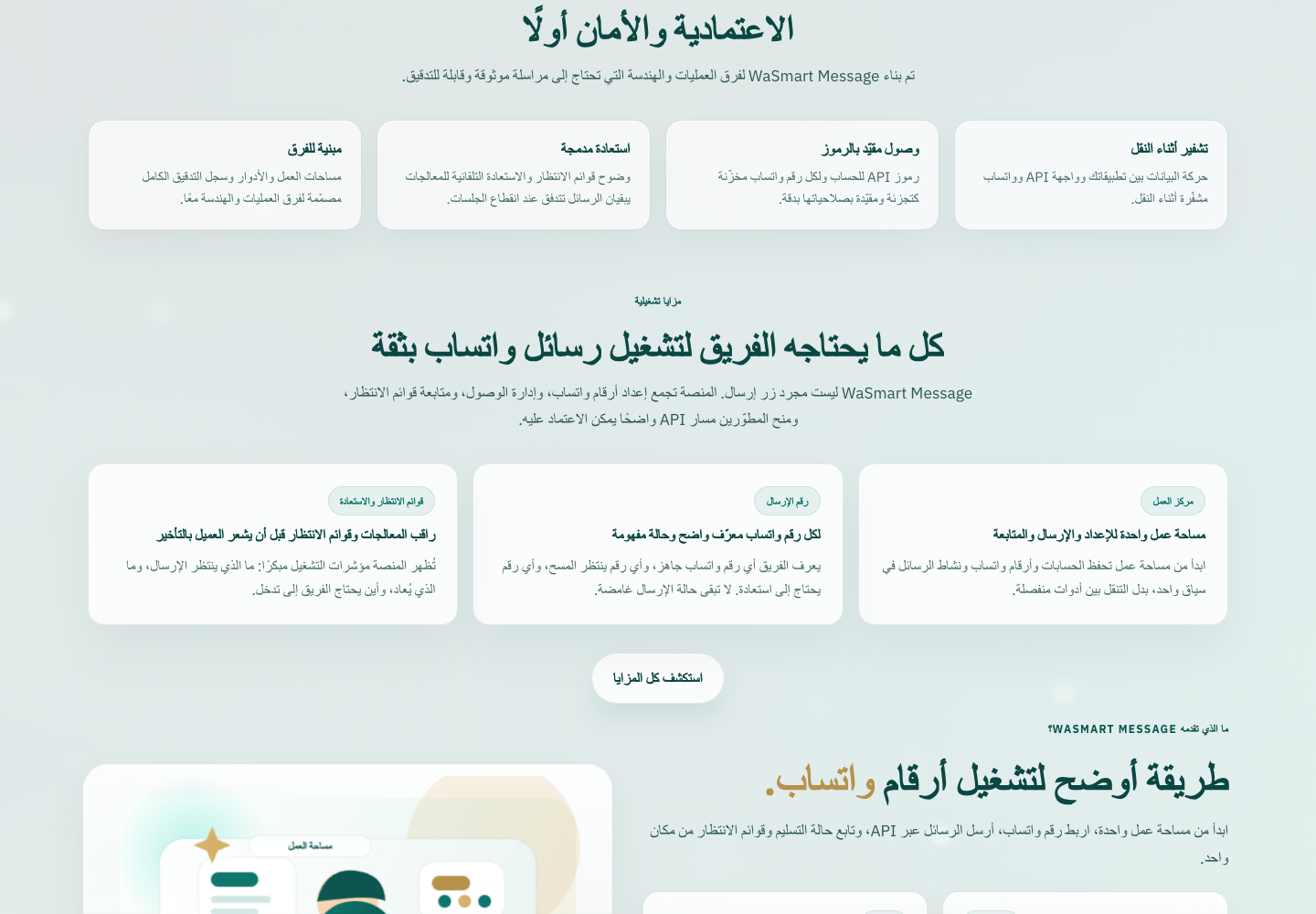
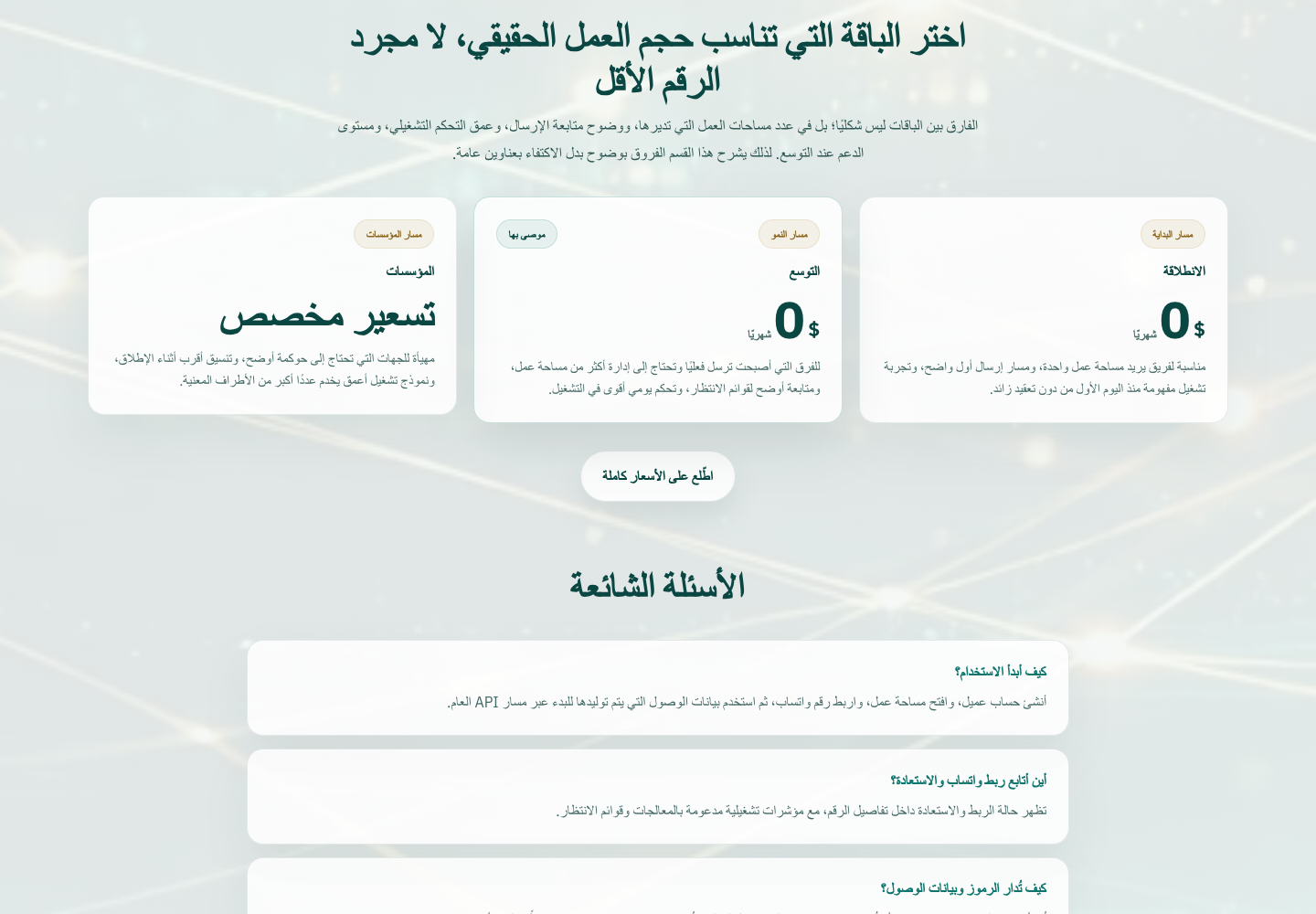
قالب رسائل مختلف يناسب طبيعة API والتشغيل.
يمكن تخصيص الربط والرسائل والمتابعة حسب النظام الداخلي لكل شركة.